
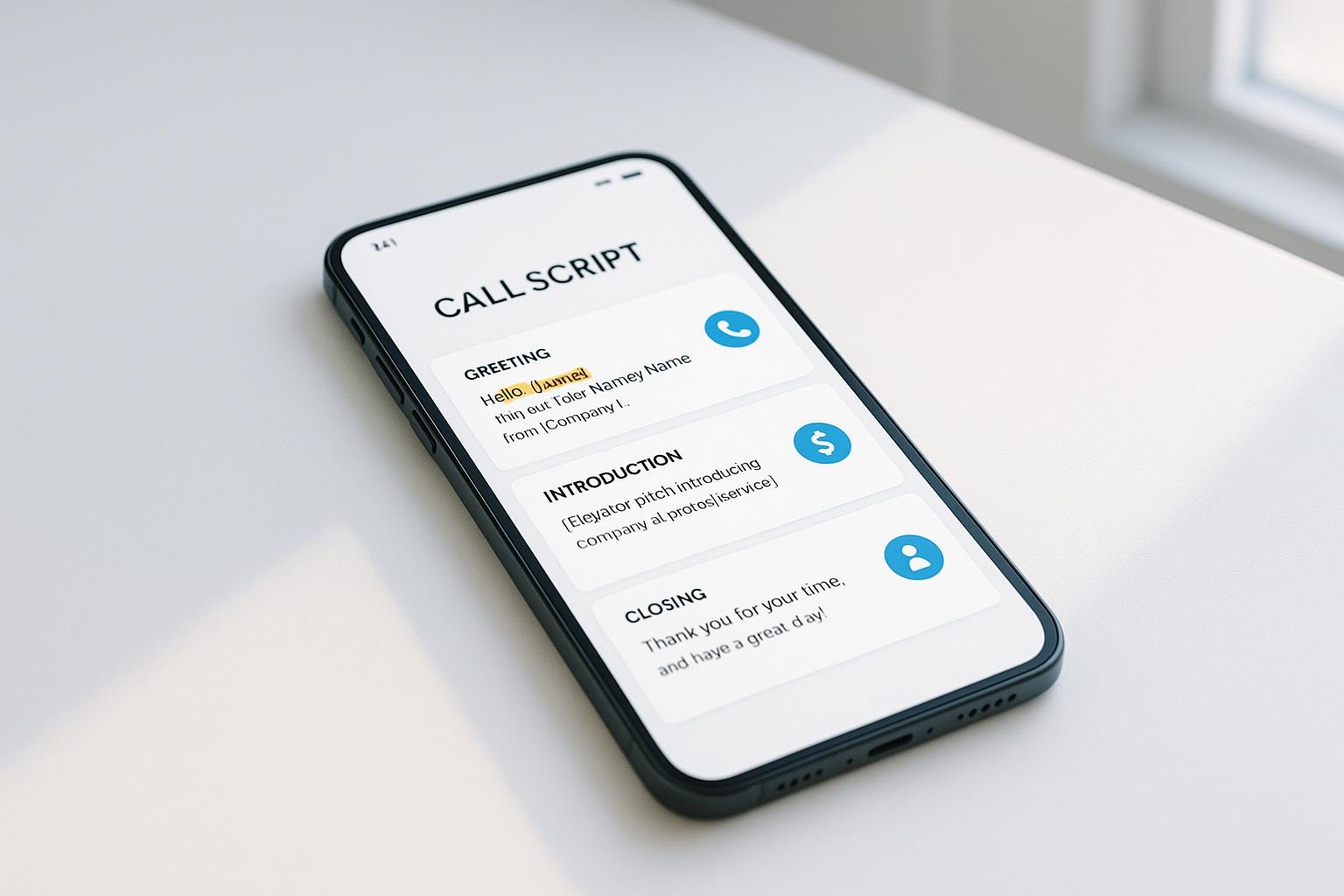
Business Call Script Generator
Create professional phone scripts that keep your calls focused, prevent awkward pauses, and help you sound confident every time you dial.

Written by
Adam Stewart
Key Points
- Build scripts with placeholders to personalize each call without starting from scratch
- Structure your key points so you never forget important details mid-conversation
- Adapt tone and content for different clients and call types in minutes
- Turn nervous rambling into clear, professional communication that gets results
Master Professional Calls with a Business Call Script Generator
In today’s fast-paced world, making a great impression over the phone can set you apart in business. Whether you’re pitching a new idea, solving a customer’s problem, or just touching base, having the right words at your fingertips is crucial. That’s where a tool for crafting phone conversation guides comes in handy. It takes the guesswork out of what to say, helping you sound confident and prepared without hours of prep.
Why Phone Scripts Matter
A well-structured call can turn a hesitant prospect into a loyal client or resolve a tricky issue before it escalates. But let’s be honest—winging it often leads to rambling or forgetting key details. By using a tailored script, you ensure every interaction hits the right notes. You’ll cover essential points, maintain a professional tone, and leave the other person with a positive impression of your brand.
Tailored for Every Need
The beauty of modern tools is how they adapt to your specific situation. Need a formal tone for a corporate client? Or a warm approach for a long-time customer? With the right resource, you can customize your dialogue to match the vibe and purpose of any call. It’s a small step that delivers big results in building trust and closing deals.
FAQs
Can this tool really make my calls sound natural?
Absolutely! We’ve designed the Business Call Script Generator to create scripts that feel like real conversations. It avoids robotic phrasing and builds in a flow that matches your chosen tone—whether that’s formal for a new client or friendly for a follow-up. Plus, placeholders let you add personal details like names or specific issues, so it’s uniquely yours.
What if I’m not sure what key points to include?
No worries at all. The tool offers suggestions based on the call purpose you pick. For instance, if it’s a sales call, it might prompt you to mention product benefits or a special offer. You can tweak these or add your own, but you’ll never be starting from a blank page. It’s like having a coach guiding you through the process.
Is this only for sales professionals?
Not at all! While sales folks will love it, this tool works for anyone making professional calls. Think customer support reps solving issues, managers scheduling follow-ups, or even small business owners reaching out to suppliers. If you’ve got a phone and a goal, this generator can help you sound sharp and get results.
Summarize with AI